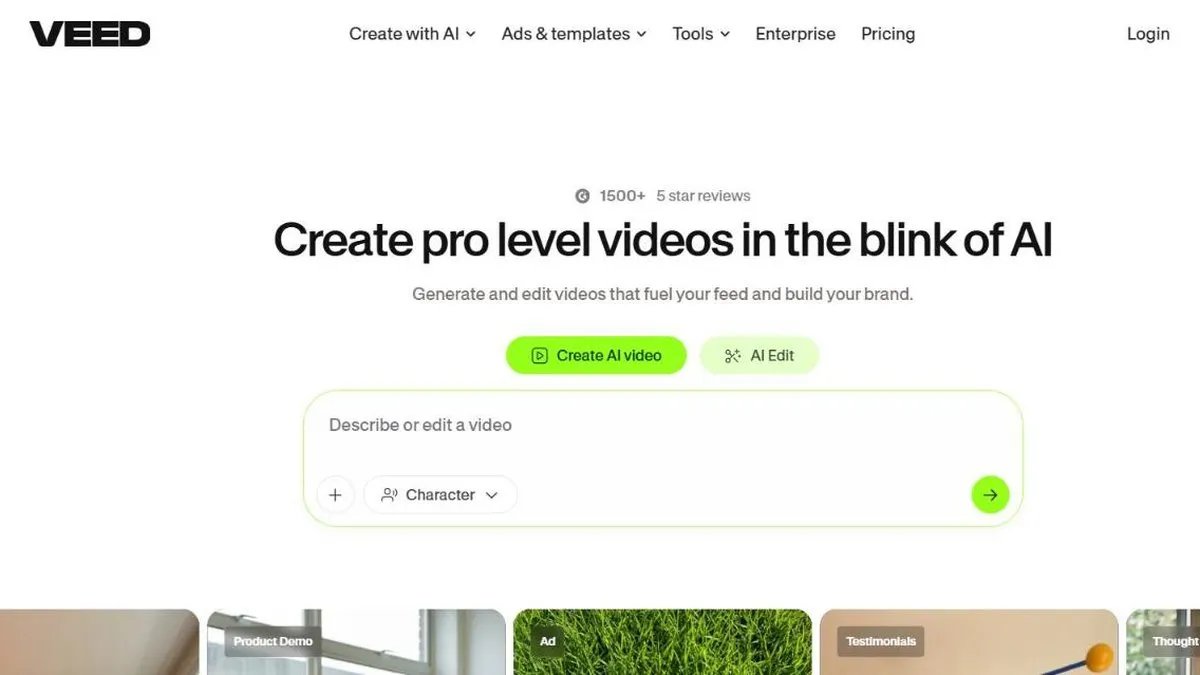
VEED is worth it if you need to produce video with captions and fast editing without installing anything, straight from the browser. It’s a 100% web-based editor, built for teams and creators who need to put out content quickly and already work with the rest of their tools online.
Its most talked-about differentiator, according to its own users, is automatic captions: many prefer them over direct competitors like CapCut, both for accuracy and how easy they are to style. Around that, VEED built a broader AI set — text-to-video, AI-generated avatars, dubbing into other languages and audio noise removal — all designed to shrink the time between recording something and publishing it.
In practice
This translates into very concrete uses: uploading a meeting or webinar recording and getting accurate captions in minutes, dubbing a corporate video into another language without hiring new voice actors, generating a clip with an AI avatar for an ad without filming anyone, or cleaning up the audio from an interview recorded in a noisy environment before publishing it. Since it’s a tool that runs entirely in the browser, performance depends quite a bit on your connection and the size of the file you’re editing, which shows more with long projects or 4K footage.
It’s also a common choice for marketing and HR teams that need to produce explainer videos regularly: recording a screen share, adding captions and a bit of editing, and publishing it the same day without going through a dedicated editor. Since the whole project lives in the cloud, several people can review and comment on the same video without emailing heavy files back and forth.
Plans and pricing (2026)
VEED has a free plan and several paid tiers billed per user per month, with a meaningful discount for paying annually instead of monthly.
- Free — watermark on exports, a per-video export cap, and a monthly limit on how many minutes of source video you can process with AI (captions, dubbing, etc.).
- Lite / Basic — the entry paid tier: removes the watermark and expands the monthly export and AI-minute limits, aimed at individual use.
- Pro — adds more AI minutes, better export quality, access to more dubbing voices and basic collaboration features; usually the one recommended for regular professional use.
- Business — built for teams: more seats, brand controls and admin, with the highest monthly AI-minute allowance.
- Enterprise — custom pricing, with security and dedicated support for large organizations.
Exact prices at each tier vary depending on the source and whatever promotion is running (VEED runs frequent discounts and bills per seat), so it’s worth confirming them on VEED’s own pricing calculator before subscribing, especially if you’re adding more than one person to the plan.
For this review we tested automatic caption generation, dubbing into another language and avatar generation on short clips, comparing caption accuracy against other editors in the category.
What to know before choosing
The most real limitation is the free plan: AI minutes run out quickly if you process content often, and at that point upgrading to a paid plan feels almost mandatory rather than optional. Also, since paid plans are billed per user, cost scales fast as soon as you add people to the team — it’s worth calculating the real total before assuming the “per person” price on the landing page is what you’ll actually pay. Being 100% web-based also means you depend on a good internet connection to work: it’s not the best option if you need to edit offline or from hardware-limited equipment.
For teams that already work online and need fast captioning or dubbing without adding another desktop app, VEED is a solid option. If your use is very occasional or your budget is tight, it’s worth stretching the free plan before paying.
Pros
- Runs entirely in the browser, no installation, with projects that sync automatically across devices
- Automatic captions considered among the most accurate on the market
- Good set of AI tools: text-to-video, avatars, dubbing and noise removal
Cons
- The free plan is fairly limited (export cap and monthly AI minutes) and pushes you toward upgrading quickly
- Paid plans are billed per user, so cost climbs fast for teams