Canva
Graphic design editor with built-in AI (Magic Studio): generates images, removes backgrounds and builds social media pieces in minutes.
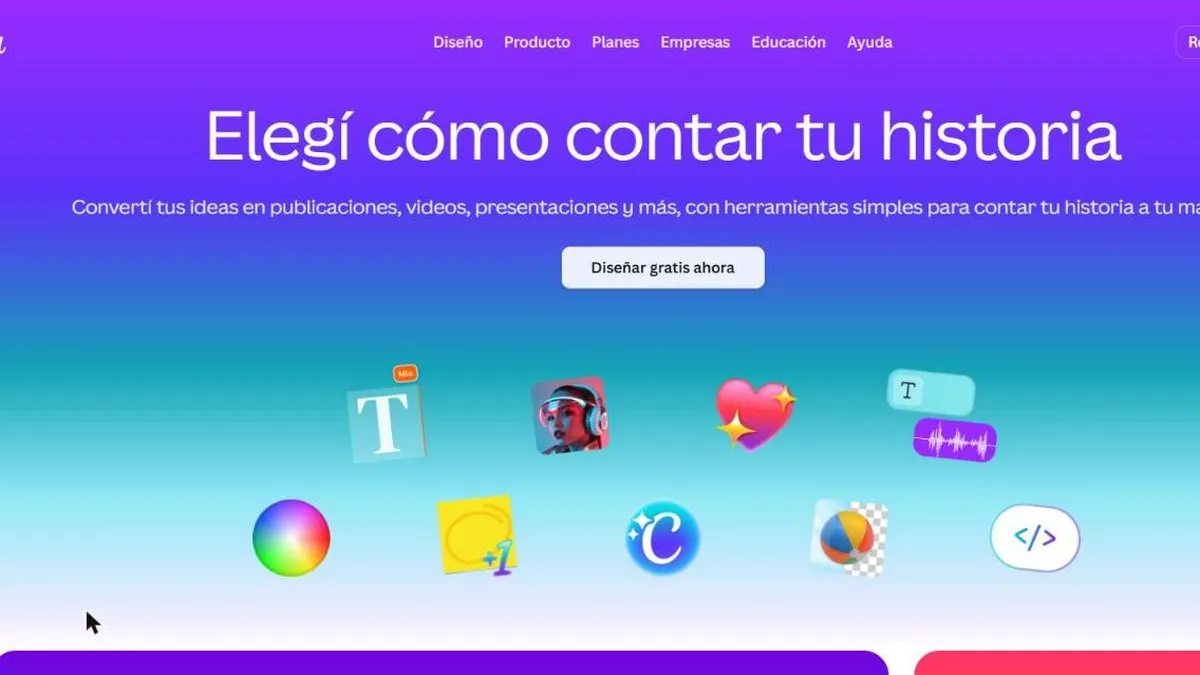
Canva is worth it if you need to put together design pieces fast with no prior experience. It’s the most widely used graphic design editor among people with no design training, and it added generative AI (Magic Studio) directly on top of its already-familiar editor: text-to-image generation, one-click background removal, and AI-assisted editing.
Canva’s strength isn’t technical design sophistication — it’s speed: someone with no experience can put together an Instagram post, a presentation or a flyer in minutes, starting from a template and tweaking it with AI instead of starting from scratch.
In practice
This translates into very concrete flows: starting from a template for an Instagram post and asking Magic Write to adjust the copy, generating a text-to-image cover when no photo is available, or removing the background from a product photo in one click instead of opening a more complex image editor.
Plans and pricing (2026)
- Free — permanent, with over 250,000 templates and 5 GB of storage.
- Pro (USD 15/mo, or USD 120 annually) — premium templates, 1 TB of storage, unlimited brand kits, background remover, and 500 monthly AI credits (Magic Studio: image generation, Magic Write, Magic Eraser, Magic Expand).
- Teams (from USD 10 per user/mo) — minimum two people, billed annually; adds collaboration features.
- Enterprise (custom pricing) — single sign-on (SSO) and security controls for large organizations.
Nonprofits and educators can get Canva Pro for free through the Canva for Good program.
For this review we tested the full Magic Studio suite (image generation, background removal, Magic Write) putting together typical social media pieces, on the Pro plan.
What to know before choosing
The most real limitation is exactly those AI credits: 500 a month sounds like a lot, but it burns through quickly if you’re generating several images a day, and once they run out you either wait for the monthly reset or pay more. For very specific brand pieces that need perfect visual consistency at scale, a professional designer still gives you more control than any template, no matter how good it is.
For the daily volume of social media pieces, Canva covers most cases without needing to hire anyone.
Pros
- Very low learning curve, built for people with no design background
- Magic Studio covers image generation, background removal and editing in one flow
- Huge library of ready-made templates for social media
Cons
- For very specific brand pieces, a professional designer still gives more control
- The most powerful AI features are reserved for the paid plan