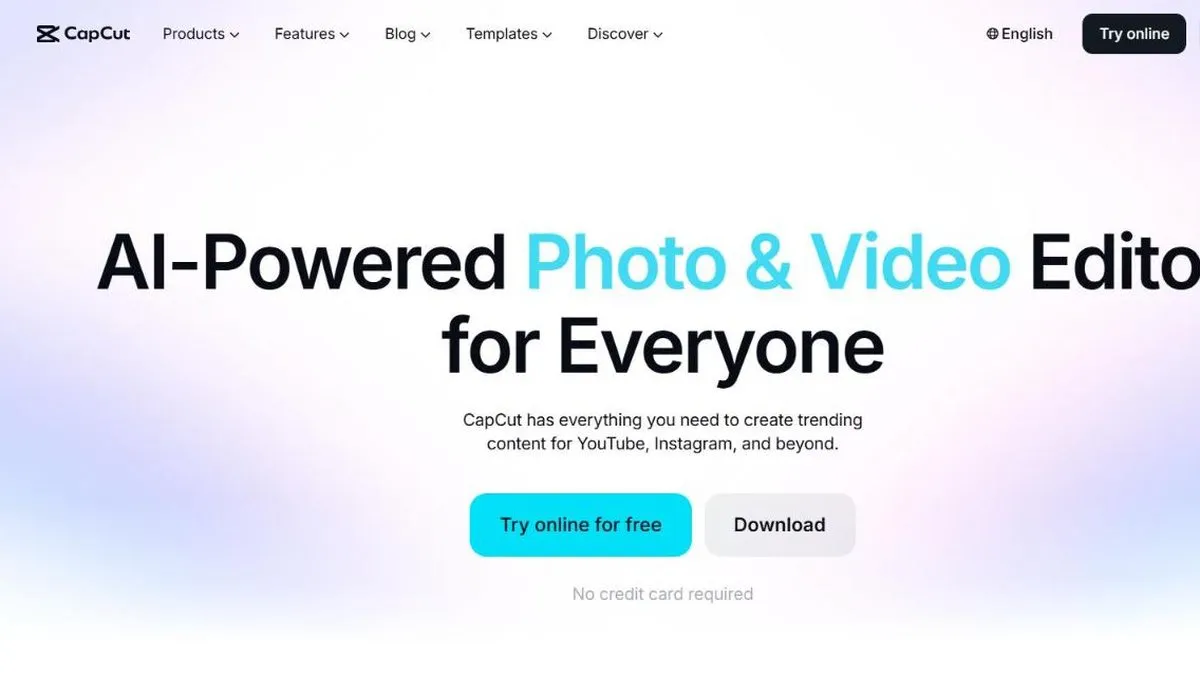
CapCut is worth it if you create short-form content for social media and want a complete editor without paying anything to get started. It’s probably the most-used video editor among social media content creators: it started out tied to TikTok and today is a full suite for cutting, editing and adding effects to video, with templates built specifically for vertical format.
What sets it apart from other free editors is how much comes included at no cost: multi-track editing, chroma key, keyframes and a huge library of effects and music are already in the Free plan, things other editors reserve for a paid tier. Where CapCut has drawn the most attention lately is a pricing restructure that sharply raised the cost of its main paid plan and moved AI features that used to be free behind higher tiers.
In practice
This translates into very concrete workflows: cutting a long horizontal video into several vertical clips to publish across different platforms without rebuilding everything from scratch, applying eye-catching auto-captions for a Reel, isolating a voice from background noise with the voice-isolation tool, or starting from a ready-made template for a product video and just swapping the photos and text. For someone posting daily, that time savings matters more than having the fine-grained control of a professional desktop editor, and the app works just as well on mobile as on desktop, which matters if you’re editing straight from wherever you shot the footage.
It’s also a common tool for editing gaming clips, putting together multi-clip compilations with automatic transitions, or generating an AI avatar to read a script when there’s no time or desire to record on camera. The learning curve is low even for someone who’s never edited video before, since most effects and transitions apply with a single click from an already-built library, instead of configuring them manually like in a traditional editor.
Plans and pricing (2026)
- Free — the complete base editing set (multi-track, chroma key, keyframes, effects, music), with limits on cloud storage and access to the newest AI features.
- Standard (around USD 9.99/mo) — a paid entry tier with more export and storage headroom than Free, but without the full AI package.
- Pro (USD 19.99/mo, or USD 179.99/year) — 4K and HDR export, 1 TB of cloud storage, and around 1,200 monthly AI points to spend on the full toolkit: camera tracking, voice isolation, text-to-video, avatar generation, voice cloning and bulk background removal.
- Team (from around USD 24.99 per user/mo) — adds centralized admin and collaboration features for multiple people working on the same projects.
The price jump is worth flagging: until recently the main paid plan cost roughly half what Pro costs today, and much of the AI functionality that used to be included now draws from those monthly points, which reset every month.
For this review we tested the full vertical-editing workflow — multi-track, templates, auto-captions and chroma key — comparing what’s available on the free plan against what only unlocks with Pro.
What to know before choosing
The most real limitation today isn’t features but price and customer support: the most frequent complaints involve trouble canceling subscriptions and plan changes that put previously-free features behind a paywall. Also, for complex timelines with many audio tracks and very specific effects, a traditional desktop editor still gives finer control than CapCut. And since the app updates very frequently, some new AI features roll out first in certain countries or devices before reaching every user equally.
For posting short-form content consistently on social media, CapCut’s free plan is already enough to get started without spending anything. If you need 4K, more storage or the full AI toolkit every month, Pro becomes the logical step up — but check the current price before subscribing, not the one the tool had a year ago.
Pros
- Very complete free toolset: cutting, multi-track, keyframes, chroma key, effects and music
- Intuitive interface with ready-to-use templates, built for vertical format
- Very popular among TikTok, Reels and Shorts creators, with templates that follow current trends
Cons
- The Pro plan jumped sharply in price in 2026 (from about USD 8-10 to USD 19.99/month)
- Reputation for weak customer support, with frequent complaints about billing and cancellations