Grammarly
AI writing checker and assistant that improves tone, clarity and grammar in emails, documents and internal messages.
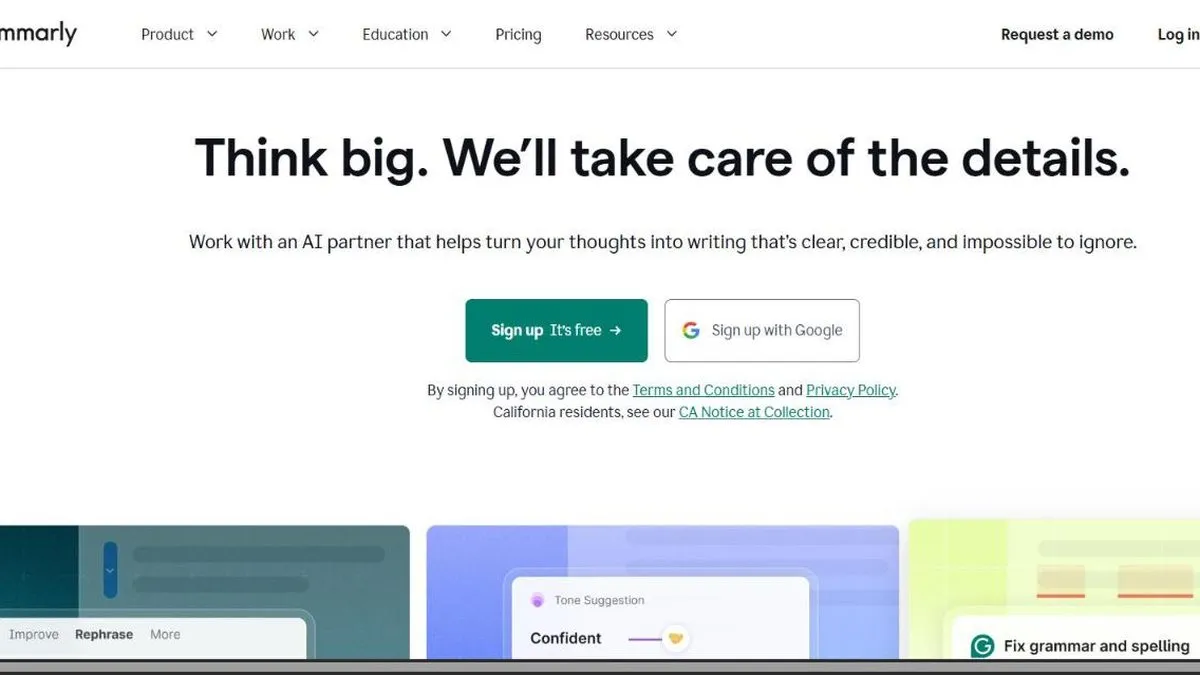
Grammarly is worth it if your team writes often in a second language or needs to adjust tone and clarity, not just fix mistakes. It’s a writing assistant that corrects grammar and spelling, but also suggests tone adjustments — especially useful for internal and external communication from teams not writing in their first language, or that need to sound consistent across several people drafting on behalf of the same brand.
It works as a browser extension and integrates with Gmail, Google Docs, Slack and most places the team already writes, so it doesn’t involve switching tools or copy-pasting text elsewhere. That’s what sets it apart from a separate AI chat: the correction shows up right where you’re writing, in real time, instead of having to move the text to another window.
In practice
This shows up in things like: checking the tone of an email to a client before sending it so it doesn’t come across as curt, rewriting a long, confusing paragraph in a report so it reads more clearly, or keeping style consistent across several support agents responding on behalf of the same company. For teams writing a lot in English as a second language, it cuts down significantly on the time that used to go into reviewing each other’s writing. It’s also useful for quickly checking a short message before sending it over Slack or LinkedIn — something that used to go unreviewed for lack of time and ended up causing tone-related misunderstandings.
Plans and pricing (2026)
- Free — spelling, grammar and basic tone correction, plus a monthly quota of roughly 100 generative AI prompts (for rewriting or generating text from scratch).
- Pro (from USD 12/mo per user, billed annually; up to USD 30/mo billed monthly) — full-sentence rewrites, finer tone adjustment, plagiarism and AI-text detection, and a much larger prompt quota (around 2,000 per user per month). It also adds light team features: user groups, one style guide and basic team analytics.
- Enterprise (custom pricing) — adds SAML SSO, SCIM, bring-your-own-key encryption, data loss prevention, custom roles and audit logging, aimed at companies with stricter security requirements.
Grammarly folded what used to be separate “Premium” and “Business” plans into a single Pro tier, which now works for both a solo user and a small team with light collaboration features included. That change simplifies the buying decision quite a bit: you no longer have to guess whether the “personal” or “team” plan is the right fit, like you used to.
For this review we tested grammar and tone correction, generative AI rewriting, and the Gmail and Google Docs integrations on the Pro plan, which covers the vast majority of team use cases.
What to know before choosing
The most real limitation is that tone suggestions, while broadly useful, don’t always understand industry-specific jargon or a team’s internal shorthand — you’ll still want to review anything highly technical before sending. The generative AI prompt quota also has a monthly cap even on Pro: if your use is mostly generating long text from scratch (rather than correcting text you already wrote), it may run out, so it’s worth checking your expected usage before committing to an annual plan.
Worth it for any team that writes daily in external channels (emails, support, content) and wants tone consistency without everyone having to remember the style rules by heart. If your use is occasional and you only need basic correction, the free plan already covers quite a lot without paying anything. For teams already using a checker built into their text editor or office suite, it’s worth comparing whether those native features already cover it before adding another tool — Grammarly’s edge shows up mostly in tone adjustment, less so in basic spellchecking.
Pros
- Works inside the browser and most writing apps, no need to switch tools
- Beyond grammar, it suggests tone adjustments based on context (formal, casual, direct)
- Free plan covers basic proofreading fully, plus a monthly quota of AI prompts
Cons
- Tone suggestions don't always understand industry-specific context
- The Enterprise plan, with security and compliance controls, requires a custom quote