Zapier
Connects thousands of apps with no code and adds AI agents to automate entire processes across tools.
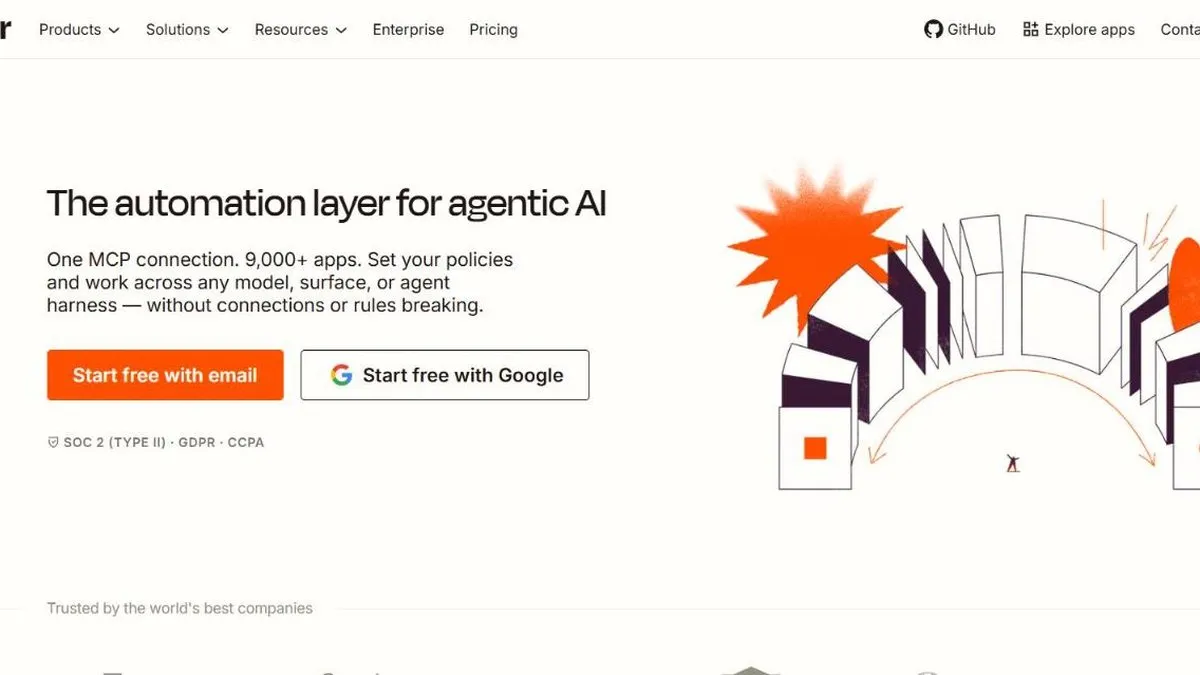
Zapier is worth it if you need to connect applications that don’t natively talk to each other: when something happens in one app (an email arrives, a form is completed), it triggers an action in another (a task is created, a message is sent, a spreadsheet is updated). It remains the simplest option to implement that kind of repetitive workflow without technical help.
Adding AI agents brings a new layer on top of that foundation: instead of fixed rules (“if X happens, do Y”), the AI can make decisions within the flow — for example, reading an incoming email, classifying it and deciding which process to route it to, instead of needing a hard-coded rule for every possible case. That’s what sets it apart from a traditional automation, which breaks the moment a case nobody planned for shows up.
In practice
This shows up in flows like: a contact form comes in, an AI agent reads it and decides whether it’s a qualified lead or a support question, and based on that creates a CRM card or opens a ticket — without a person having to look at every submission. Or a Zap that automatically summarizes a Slack channel’s messages every morning and emails them to whoever couldn’t follow the live conversation. It’s also commonly used to sync data between two systems that would otherwise require exporting and importing spreadsheets by hand — for example, keeping a CRM updated every time a sale closes on the e-commerce platform, without anyone having to copy the order over manually.
Plans and pricing (2026)
- Free — 100 tasks per month, two-step Zaps only, with basic Copilot access under a daily limit.
- Professional (from USD 19.99/mo annual, USD 29.99 monthly) — unlimited multi-step Zaps, premium apps, and a task pool that scales from 750 up to millions depending on the tier chosen; includes “AI by Zapier” and unlimited Copilot.
- Team (from USD 69/mo annual, USD 103.50 monthly) — starting at 2,000 tasks, up to 25 users, shared workspaces and SAML SSO.
- Enterprise — custom pricing, with advanced governance, a technical account manager and the option to bring your own AI model (via AWS Bedrock, for example) instead of relying solely on Zapier’s.
One key point for figuring out the real cost: as of 2026, AI steps, code steps and MCP calls draw from the same task pool as regular actions, so an AI-heavy flow burns through your allotment faster than a simple one. On top of that, Zapier Agents and Zapier Chatbots are separately metered AI products: Agents has a free tier (400 activities/mo) and a paid one (roughly USD 33/mo for 1,500 activities); Chatbots is billed by the number of active bots.
For this review we went through the plan structure, the task-pool system, and how the AI agent layer is billed separately from classic automation.
What to know before choosing
That’s the most important fine print: because AI steps share the same pool as regular tasks, a flow that used to cost one task per run can now cost several if it adds AI steps in the middle, and the monthly bill can climb without the number of automations you’re running actually changing. Very long automations with many nested conditions also get hard to debug when something fails partway through.
Worth it for teams that have already identified concrete repetitive tasks to automate (moving data, notifying, syncing) and want to add a bit of smart decision-making without coding. If all you need is connecting two or three apps occasionally, the free plan or the lowest Professional tier is enough — no need to overpay for task allotments you won’t use. For technical teams that already know how to code, it’s sometimes worth comparing against writing the integration directly against the tools’ APIs — that’s cheaper long term if volume is high and stable, even though it takes more upfront development time.
Pros
- Connects with thousands of apps with no need to know how to code
- AI agents let you automate decisions, not just pass data between apps
- Very large community and documentation, easy to find examples
Cons
- Cost scales quickly: AI steps draw from the same task pool as regular actions
- Very complex automations can become hard to maintain and debug