Claude
Anthropic's AI assistant focused on conversation, writing, analysis and code, with an emphasis on safety and precision.
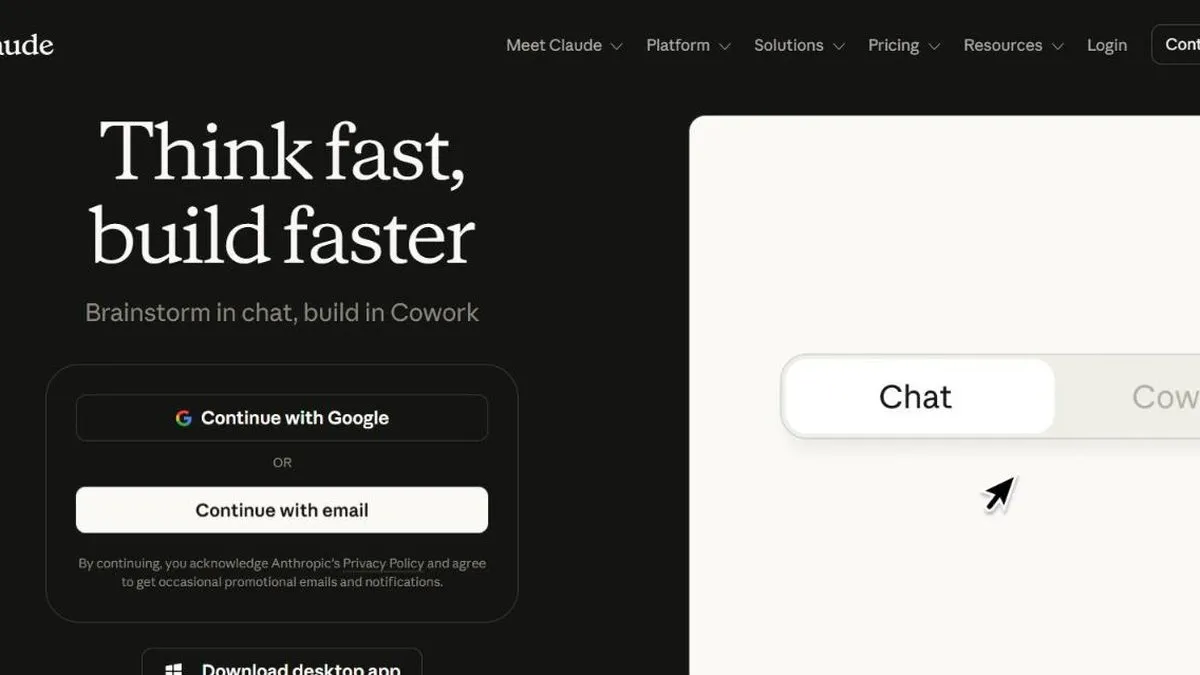
Claude is worth it if you prioritize writing and analysis quality over sheer feature count, or if you code with Claude Code. It’s Anthropic’s AI assistant, and it earned a strong reputation for the quality of its writing, its ability to analyze long documents, and privacy policies more conservative than the competition’s.
It’s especially good for work that requires precision: analyzing long contracts or papers, reviewing and improving text, or coding with Claude Code, one of the best-regarded coding assistants among developers. It isn’t the option with the most extra features (it doesn’t natively generate images, for example), but what it does, it does very well.
In practice
Day to day, this shows up in tasks where a generic answer isn’t enough: reviewing a ten-page contract and flagging the odd clauses, rewriting a long report while keeping the original tone, or working with Claude Code directly on a real project, session after session, without losing track of the code already written.
Plans and pricing (2026)
- Free — already includes Claude Sonnet 5 as the default model, with Projects, file uploads and memory; enough for light use (a handful of documents and code questions per day).
- Pro (USD 20/mo) — multiplies that capacity by five and unlocks Claude Opus, the most capable model for complex reasoning and long coding tasks.
- Max (USD 100 or USD 200/mo) — two tiers for people who use Claude Code heavily or hit the Pro limit every day; doesn’t add new features, just a lot more usage room.
- Team (from USD 25 per seat) — adds centralized admin for multiple users.
Just like with OpenAI, Anthropic’s API is billed separately from the consumer plans (by tokens processed, not a flat subscription) — a team integrating Claude into their own product pays differently than someone just using the chat app. The consumer plans don’t include unlimited API access; those are separate things.
For this review we tested long-document analysis, text rewriting and a real Claude Code session on an existing project, comparing response quality against other assistants in the category.
What to know before choosing
The most real limitation is precisely the usage cap on the Free and Pro plans: if your work involves long coding sessions or analyzing lengthy documents every day, it’s easy to hit the ceiling before the month is over, and the jump to Max is expensive compared to the competition. It also doesn’t natively generate images, so if that’s part of your workflow you’ll need another tool alongside it.
Worth it for anyone who prioritizes output quality over quantity of features — and especially for anyone coding with Claude Code. If your use is lighter and occasional, the free plan is probably already enough without paying anything.
Pros
- Writing and reasoning quality that's highly regarded compared to other assistants
- Large context windows: can process long documents without losing track
- Claude Code has a very strong reputation among developers
Cons
- The free plan has tighter usage limits than other popular assistants
- Fewer native third-party integrations and more limited image generation