ChatGPT
OpenAI's AI assistant for chatting, writing, researching, generating images and coding, all in one place.
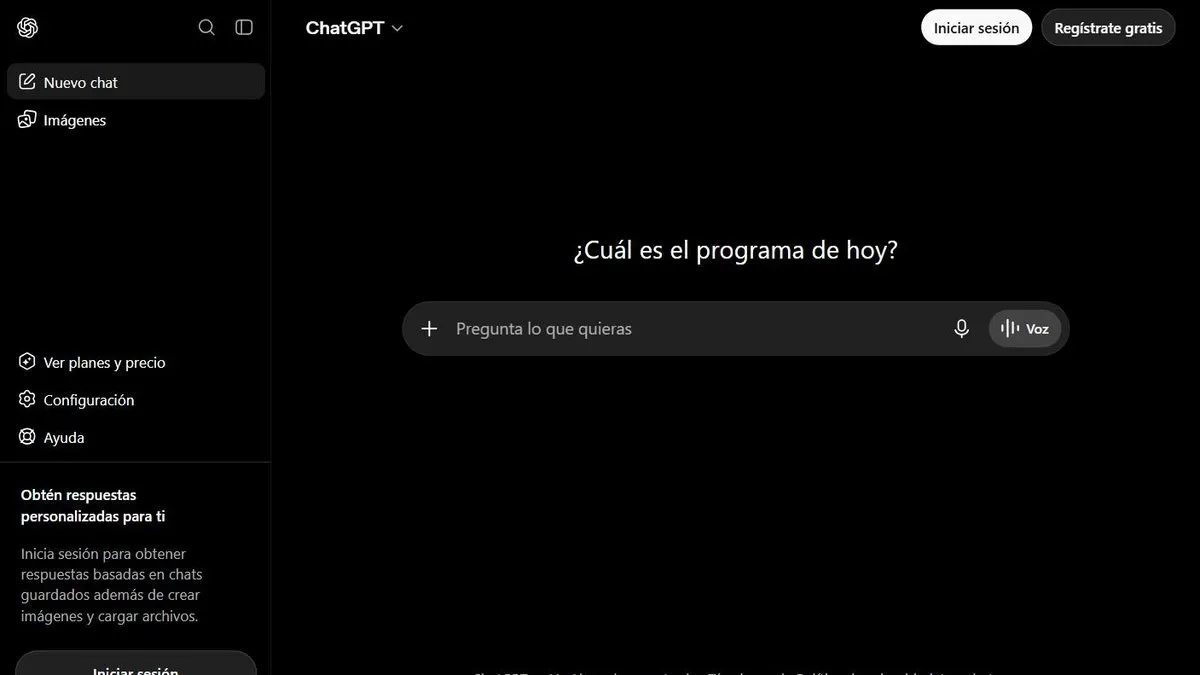
ChatGPT is worth it if you want one AI assistant that covers everything — text, images, voice and sourced search — without having to pick a different tool for each task. It’s the best-known, most widely used AI assistant, and it remains the natural entry point for anyone just starting out.
What sets it apart from smaller alternatives is the ecosystem: native apps on mobile, desktop and browser, integration with other tools, and constant feature updates (live voice, image generation, agents that browse the web for you). For everyday use, it’s hard to find something more complete.
In practice
This translates into very concrete uses: drafting and editing emails or long documents, summarizing a fifty-page PDF before a meeting, generating an image for a presentation without opening a design editor, or asking it to research a topic with cited sources instead of opening ten Google tabs. Live voice mode also makes it useful for practicing a language or reviewing a topic out loud, not just in writing.
Plans and pricing (2026)
- Free — access with tight limits, with ads in some markets.
- Go (USD 8/mo) — more message volume, but still has ads and none of the advanced features.
- Plus (USD 20/mo) — what most people use: flagship model, advanced image generation, expanded memory, the Codex coding agent and deep research.
- Pro (USD 100 or USD 200/mo) — two tiers for people who max out code usage or need the highest usage ceiling, with no ads and early access to experimental features.
- Business (USD 25 per user/mo) — centralized admin and data privacy controls for teams.
If you need to integrate ChatGPT into your own product or a technical workflow, OpenAI’s API is billed separately from the consumer plan (by usage, not a flat subscription) — a developer building on top of GPT doesn’t pay the same as someone just using the chat app daily.
For this review we tested the core features — chat, image generation, deep research and cross-conversation memory — on the Plus plan, which covers the vast majority of personal and office use cases.
What to know before choosing
With six different plan tiers, it’s easy to end up overpaying without needing to, or staying on Free without realizing the mid-tier already unlocks what you were looking for. It’s also not the most economical option if all you need is the occasional simple piece of text — a smaller, cheaper tool can do just as well there.
Before paying for the most expensive plan, it’s worth trying the free or mid-tier one thoroughly — for most personal uses, it’s more than enough. If your daily message limit starts running out consistently, that’s when upgrading makes sense.
Pros
- The largest, most battle-tested ecosystem on the market, with native apps on every platform
- Memory across conversations and great versatility: text, image, voice and code in a single chat
- Includes deep research and built-in web browsing
Cons
- Has usage limits even on paid plans
- The number of plans (Free, Go, Plus, Pro, Business) can be confusing to choose from