Notion
All-in-one workspace with Notion AI built in: summarizes documents, drafts and organizes projects within the same workspace.
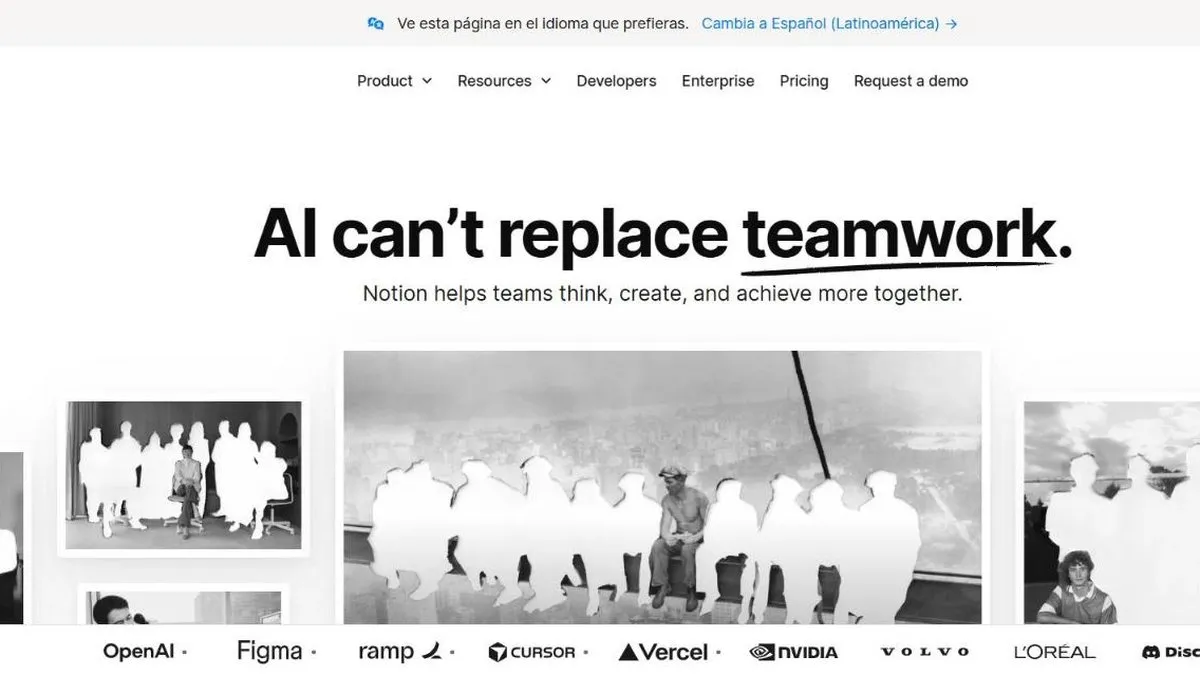
Notion AI is worth it if your team already uses Notion as its workspace: it taps into the context that’s already there (notes, wikis, databases) instead of starting from a blank page like a generic AI chat. Notion started as a notes and documents tool, but became a full workspace where many teams manage projects, internal wikis and databases.
The advantage over a generic AI chat is that Notion AI already has access to context: it can summarize a long page, draft from scattered notes, or generate a task table from a meeting, all without leaving the same workspace.
In practice
This shows up in things like: turning scattered meeting notes into an assigned task list, summarizing a long internal wiki before a quarterly review, or asking Notion Agent to find a decision made months ago on a different page in the same workspace, without having to remember where it lives.
Plans and pricing (2026)
- Free and Plus (USD 10 per user/mo, USD 12 monthly) — give you Notion as a workspace, but only a limited trial of the AI.
- Business (USD 20 per user/mo, USD 24 monthly) — the full AI package: Notion Agent, AI search, automatic meeting notes and enterprise search.
If what you want is the full AI, you now have to pay for the Business tier even if you don’t need the rest of its feature set. Notion also has non-AI plans (Free and Plus) built purely for managing pages, notes and databases — if your team only needs organization and doesn’t yet see the use case for AI, there’s no need to pay for Business just for that.
For this review we tested Notion AI inside a workspace already populated with pages, databases and a sample wiki, on the Business plan.
What to know before choosing
Beyond price, the AI performs in direct proportion to how organized the workspace is. If a team uses Notion loosely, without a clear structure of pages and databases, the AI has less real context to work with and the output feels noticeably more generic — the value isn’t in the AI alone, it’s in the combination with a well-built workspace.
It’s a tool that pays off more the more it’s used as the team’s central organizing hub; if content is scattered across other tools, the AI has less to work with. Worth it if your team already lives in Notion; if you haven’t made it your main workspace yet, that habit shift matters more than the AI itself.
Pros
- Unifies notes, documents and project management in one place
- The AI works on content that already exists in the workspace, with real context
- Very flexible: works for both personal use and large teams
Cons
- So much flexibility can turn into disorganization if no structure is defined
- Performance can suffer on very large databases